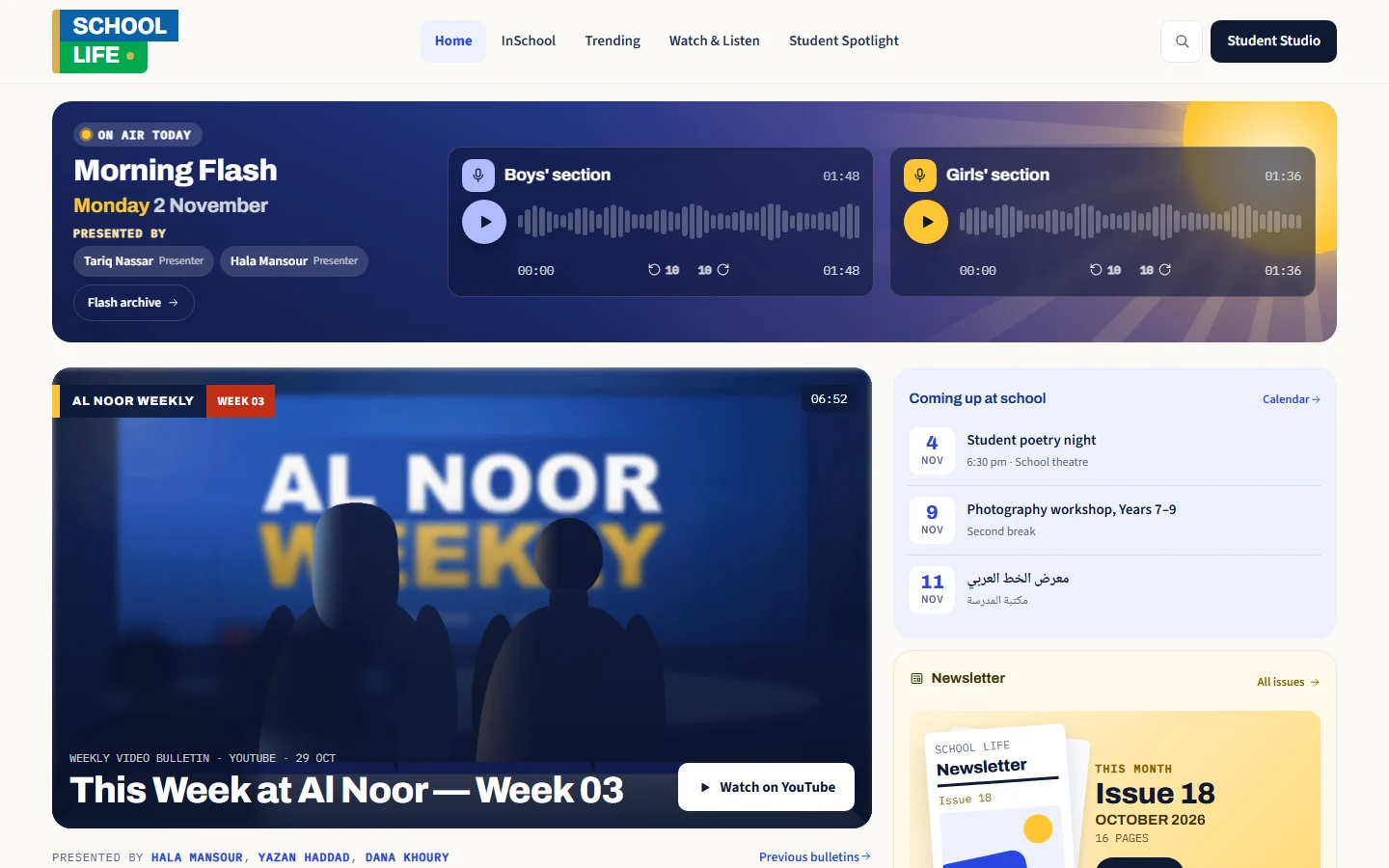
What your school can publish
Everything sits on one public website, and anyone can read it without signing in.
Student articles
Students write in a simple editor, in Arabic or English.
Student work
Projects, art, and reports go up as pictures, PDFs, videos, or slides you can read on the page.
Morning bulletin
An audio bulletin each morning, ready to play from the home page.
Weekly news
A filmed news bulletin each week.
Podcasts
Programmes with audio or video episodes.
Newsletter
Upload the PDF and readers turn through it page by page on the site.
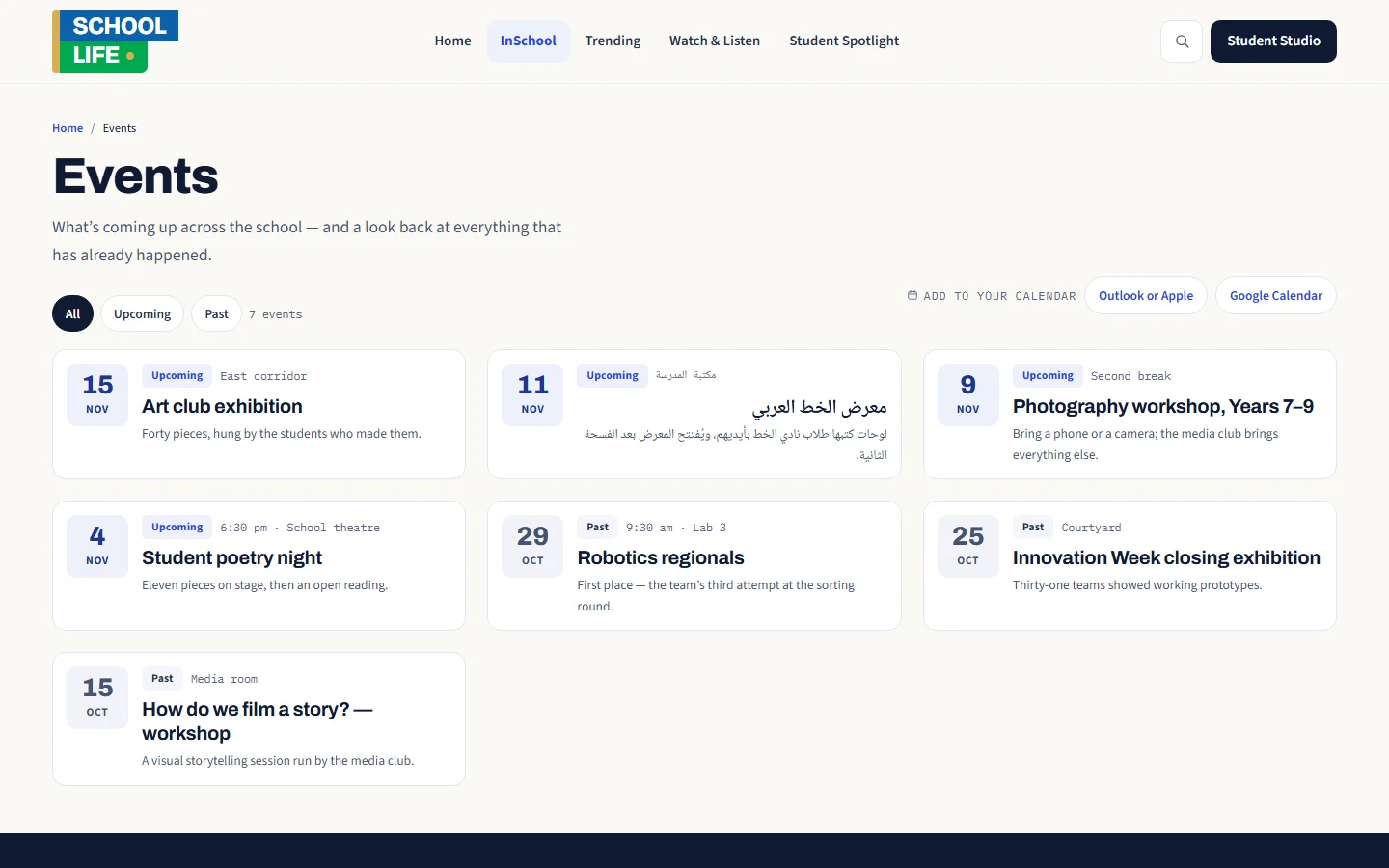
Events
What’s coming up at school, with a calendar families can subscribe to.
School stories
Stories, photos, and video from across the school.
Achievements
Celebrate what students and teams have achieved.
Every student credited on a piece gets a public page that gathers all their work.
The site looks after itself
You add the content, and the site handles the rest.
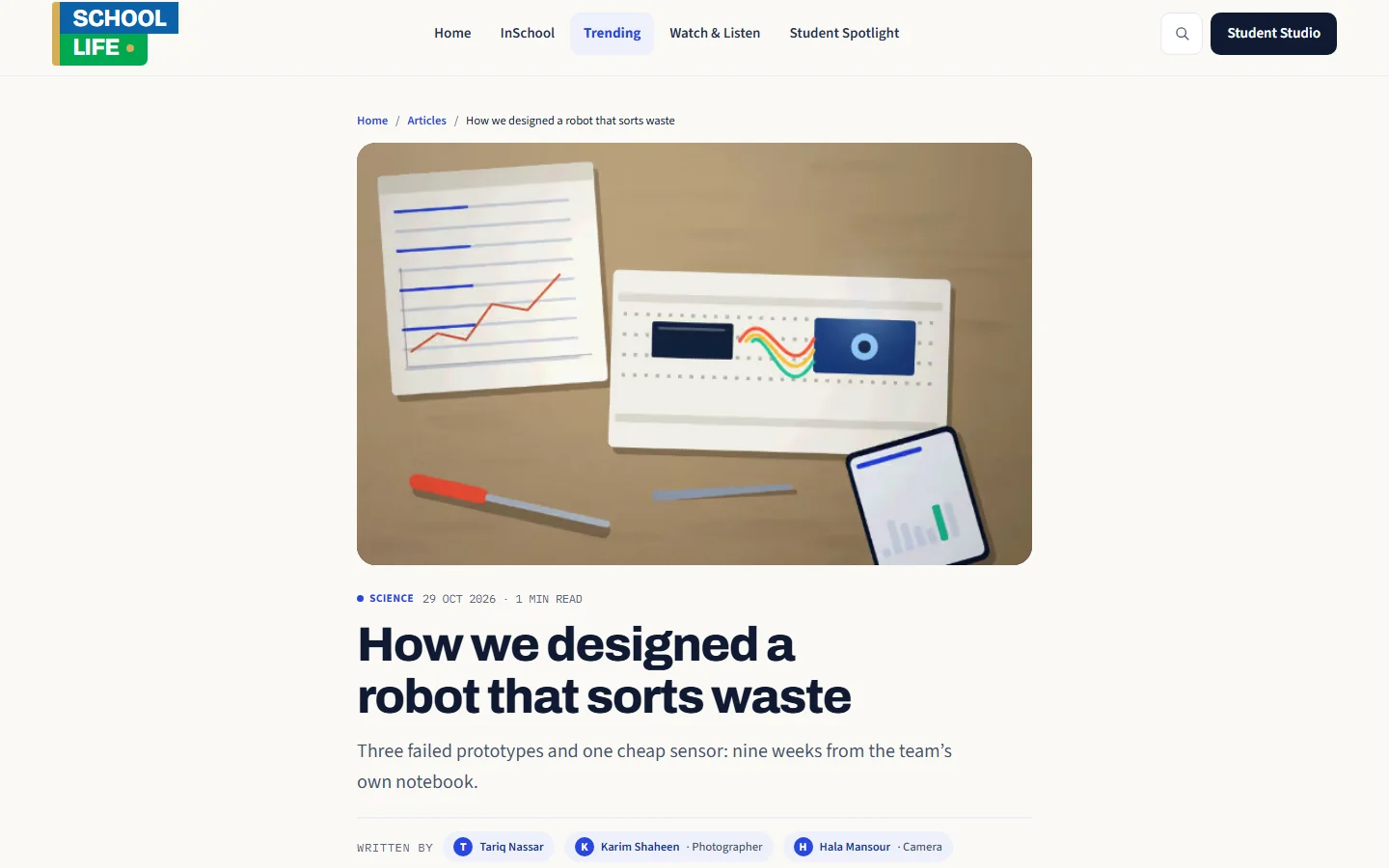
A home page that builds itself
New work appears on the home page without anyone arranging it.
No design work
Covers, thumbnails, and page layouts are taken care of.
Easy to find
Search the whole site, with pages ready for search engines and sharing.
Easy to share
Share any piece by WhatsApp, by link, or from your phone.
For students
Students control the content, and the platform controls the design.
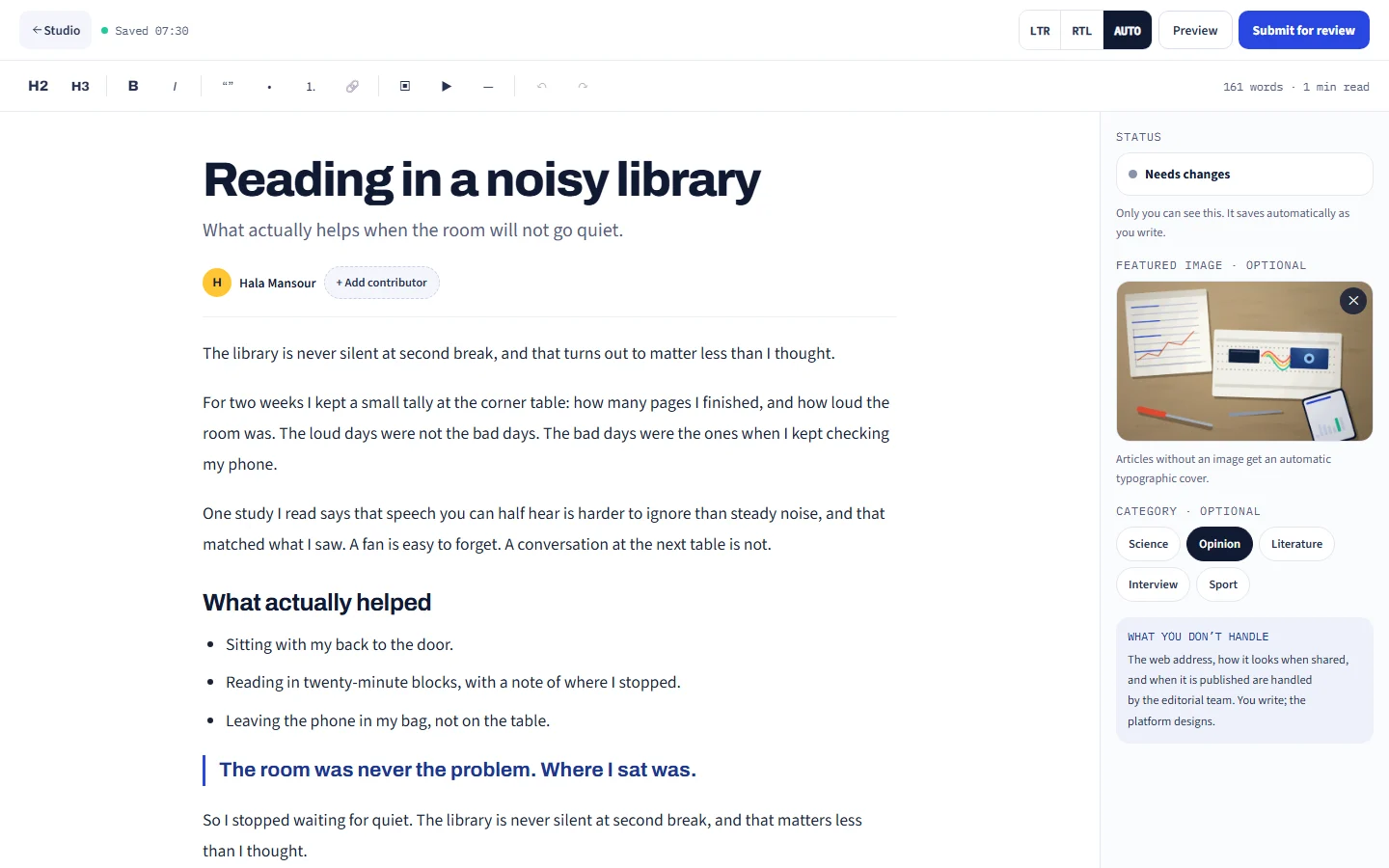
A simple editor
It saves as you go and takes pictures with captions and YouTube videos, with no fonts or colours to fuss over.
A private preview
See the page just as it will look before you send it in.
Clear feedback
If an editor asks for changes, the note is right there, ready for you to fix and resubmit.
Credit for teamwork
Name your classmates and their roles, and the work shows on their pages too.
For teachers and editors
Nothing goes public until someone on your staff approves it.
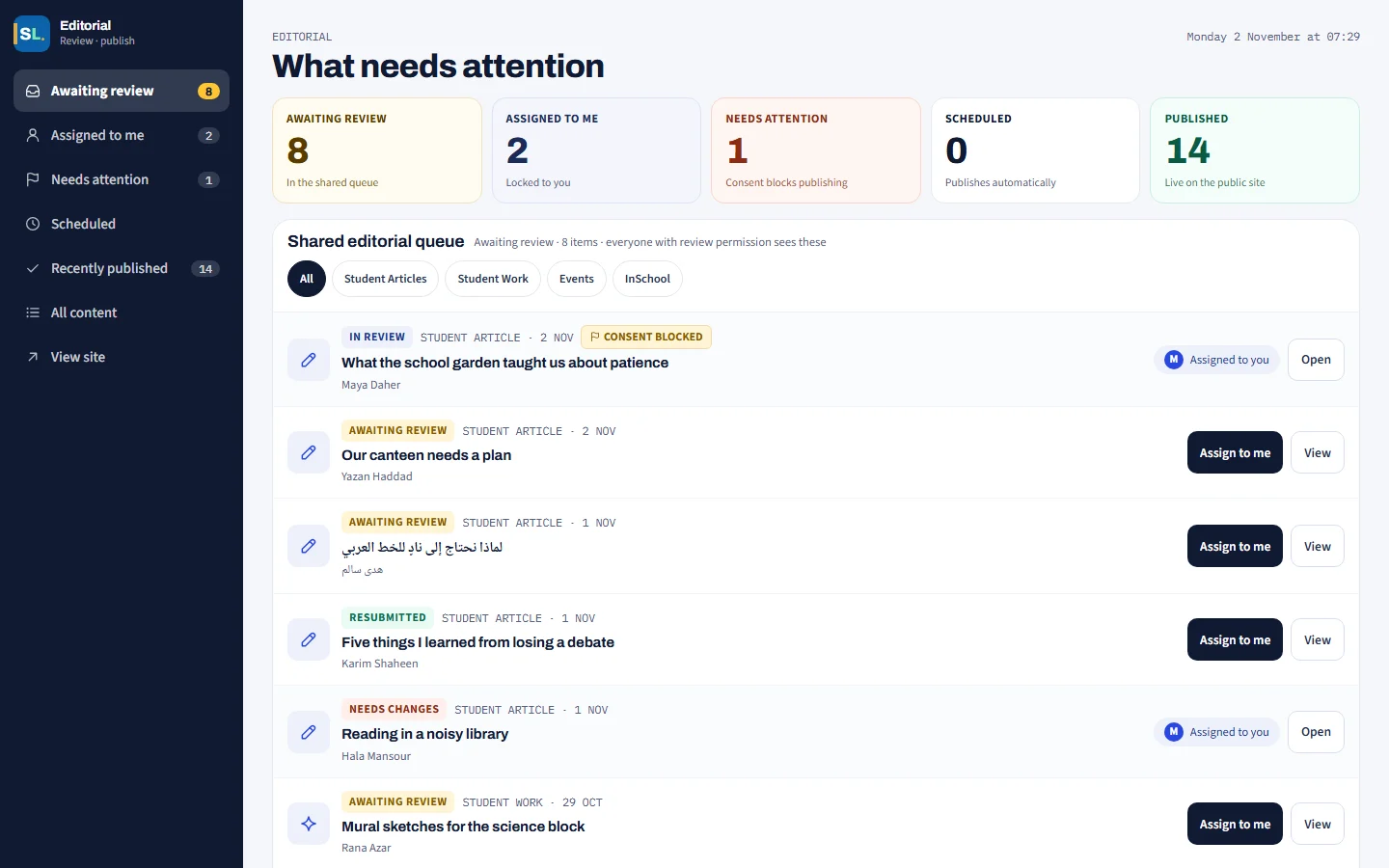
One shared queue
An editor picks up a piece, and it’s held for them while they review it.
Schedule it
Publish now, or choose the day and time.
Safe changes
Edits to a live page stay in draft until you publish the update.
Run it your way
Choose what each person can do, and see how often each post is read.
Student privacy comes first
The only personal detail the public ever sees is a student’s name.
Names only
A student’s email, profile picture, grade, and section stay off the public site.
A choice for each student
Mark a student as not for publishing, and nothing crediting them can go live.
No likes or comments
The public site has no likes, comments, or view counts.
Connected to your school
School Life can feed your other screens and sites.
School screens
New work can show on your school’s screens, and on smart boards when nobody’s using them.
Your main website
Show the latest articles, news, and events on your school’s main site.
Microsoft sign-in
Students and staff sign in with their school Microsoft accounts.
There are extras you can switch on when you’re ready: points and badges for published work, profile pictures with family permission, and a space for graduates.